


Laptops


Tech That Works, Service That Cares.
Complete IT, CCTV & Networking Solutions for Kerala Businesses
Supply, installation and annual support for offices, institutions, resellers and homes across Kerala.
GST invoiceOwn installation and service teamWe will call you within 2 hours
GST invoice on every sale
Installation and service by our own team
Businesses, institutions, resellers and homes
Showroom at Mavoor Road, Kozhikode
10 years in business
Who we serve
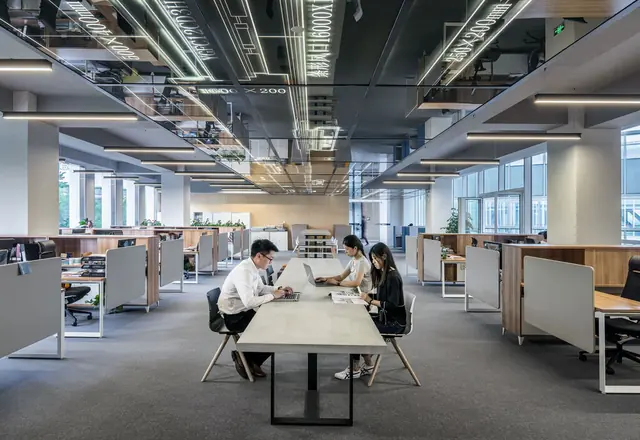


Technology for the way you work
Tell us what you do and we will show you what fits.
Businesses and offices
Computers, network, CCTV, UPS and support for offices, shops and clinics.
Office IT setup →
Schools and institutions
Computer labs, projectors, campus network, CCTV and attendance systems.
Institution IT →
Resellers and integrators
Stock, dealer pricing and quick delivery for IT dealers and system integrators.
Dealer supply →
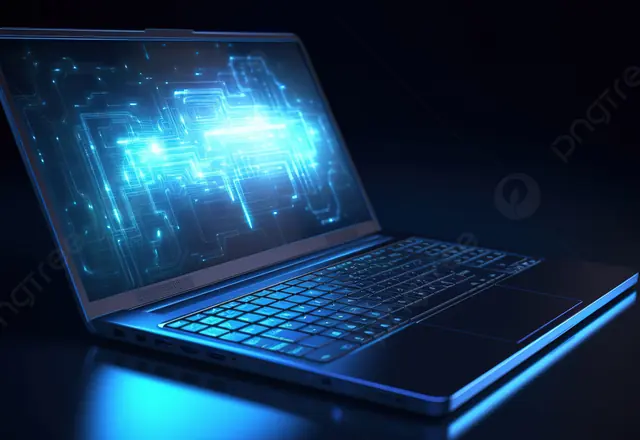
Home and students
Laptops, desktops, printers and home CCTV, with advice in our showroom.
See laptops →
Solutions


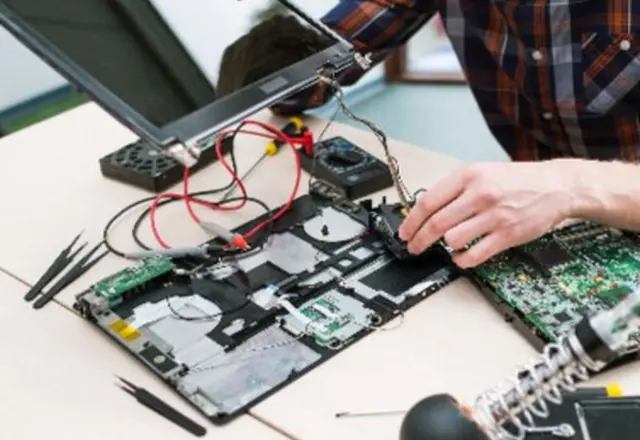
We install it. We support it.
Supply, installation and service from one team.
CCTV Installation
We supply and install complete CCTV and IP camera systems and support them after installation. One team h...
Learn more →
Networking & Cabling
A reliable network is the base of every other system - computers, CCTV, billing and VoIP. We design, supp...
Learn more →
Office IT Setup
Setting up a new office or adding new staff? We supply everything you need, install it, and keep it runni...
Learn more →
School & Institution IT
From a first computer lab to a campus network, we supply, install and support the technology institutions...
Learn more →
AMC and service
Yearly maintenance plans for computers, network and CCTV.
See AMC plans →
Gaming
Build the gaming PC you want
Custom gaming PCs, laptops, monitors and the latest graphics cards, processors and memory. Tell us your games and budget and we will suggest a build.
- Custom builds
- Upgrades
- Graphics cards
- Gaming laptops
- Monitors
In the showroom
Popular this month
A few of the ranges our customers ask for most. Ask us for today's price and availability.

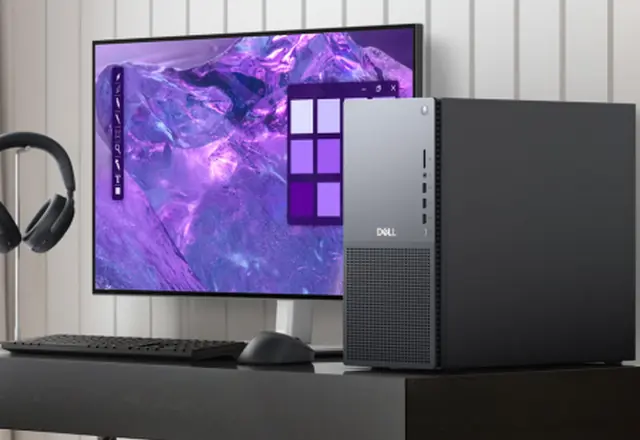
Desktop & All in one
Acer Desktops
Request quote
Monitors
Lenovo Monitors
Request quote
Printers & Copiers
Epson Ink Tank Printers
Request quote
Projectors & Projector Screens
Acer Projectors
Request quote
Biometrics
Biometric Devices
Request quote

Power Solutions
Luminous Batteries
Request quote
What's new
Technology worth planning for
The trends our customers ask about. Talk to us about what makes sense for your business.
AI-ready PCs
Laptops and desktops for the AI era
Machines built for modern work and creative tools. Tell us your software and we will suggest the right specification.
See laptops → NetworkingFast, reliable Wi-Fi and cabling
Plan the network around your rooms and users, with structured cabling, access points and testing.
Networking solutions → Smart CCTVCameras with remote viewing and alerts
Modern IP cameras and recorders with phone viewing. Ask us about smart detection and storage.
CCTV installation → Data safetyNetwork storage and backups
Keep company data safe with network-attached storage and a back-up routine you can trust.
Storage ranges → Managed ITSupport, updates and security in one plan
Scheduled checks, antivirus and updates, back-up monitoring and one team to call.
AMC plans →
Why Nivano
One team from first call to support
GST invoice
Proper tax invoices for every sale, ready for your accounts.
Our own installers
Installation and service by our own team, not a third party.
Supply + install + support
Hardware, installation and yearly maintenance under one roof.
Local showroom
Visit us at Mavoor Road, Kozhikode. We serve Kozhikode, Malappuram, Wayanad, Kannur, Palakkad, Thrissur, Ernakulam.
Customer feedback
NoushilaMarketing Manager
What customers say
★★★★★
“Excellent Services”


Brands
Brands we work with
Brand availability depends on stock and your requirement.


Prefer a call? We will ring you back.
Leave your number. We will call you within 2 hours.
Get a Quote
Tell us what you need. We reply the same day with price and availability.